

SOS Order in Two Taps
Uber Eats is an online food delivery service that allows users to order meals from local restaurants and have them delivered to their location.
But what happens when hungry users encounter their platforme?
The problem was that users exited the app without making an order.
Looking in to it, we discovered that hunger was a key reson for that.
the Hungry User Research
we interview users ranging by their experience with food ordering apps and intensity of use:
Beginner Experienced Heavy User Casual User




this was fasanating!
order food when they need a quick sulotios at work or for the kids.
BUT, as it turns out
this changed nothing in the way they used the app
What DID have an effect on the why users orderd food
were 3 motivations and
one undeniable phisical effect :
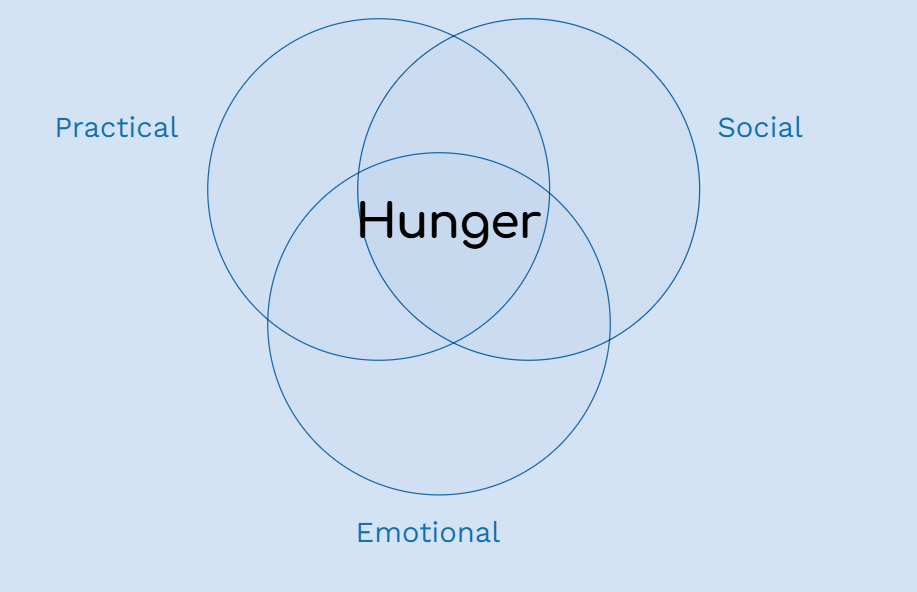
order food acording to moods. as celebrations or compencations. usualy alone.
order as an activity with other people. for fun, practicality or fectivity, but hardly ever when their alone.
Every user had one or two main motivations that changed how and when they used the app.
But when hungry and short on patience, the app suddenly became irritating, slow, and cluttered with information and ads.
A bit of research showed this has a biological explanation:
Hangry
[hang-gree] adj.
A state of anger caused by lack of food: hunger causing a negative change in emotional state.
About Hunger and Decision Making
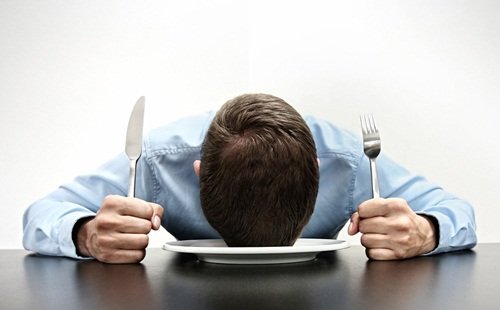
rsearches shwos that decision making defers according to hunger levels.
for exampl, a porol comity gave less positive verdicts as luch time got closer. and after luch they where 25% more jenerace!
(Danciger and Avnaim-Peso, BGU. Levev, Colombia U.)
The User’s Need
Succeeding in ordering food while hungry
and making good decisions along the way.
The Solution
The SOS Order Button
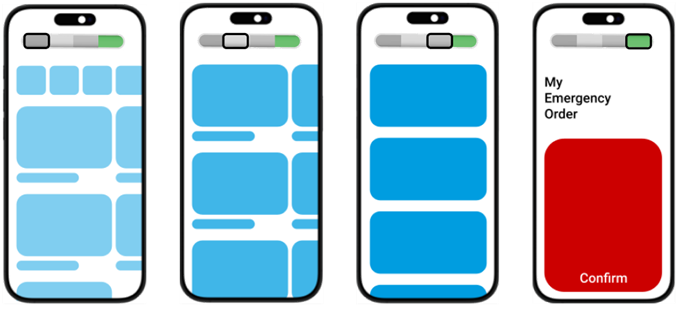
Top control that adapts the app to the uses “hunger mode” of choice. showing less and less information and a more peaceful layout. The most extreme hunger mode is the SOS order, allowing users to order in two taps.
The Hunger Meter
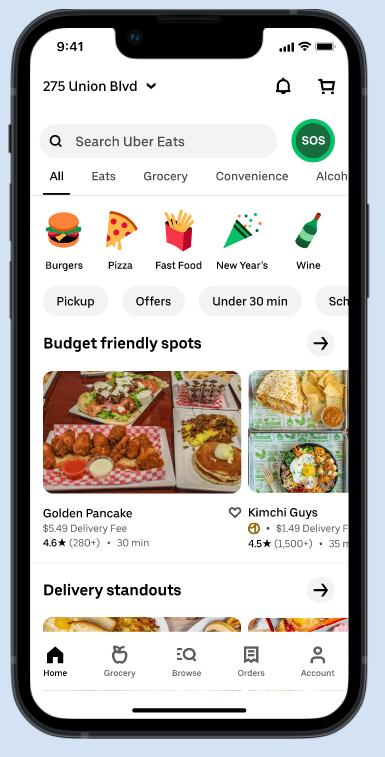

Embedding a big change to the app needs a way to eas into people's hearts and habits.
We decided the most severe state needs to be addressed first, as extremities are easier to understand.
The SOS button alows users to choose a meel in advance ans when hungry order the consience dessision you made in a calm mode.
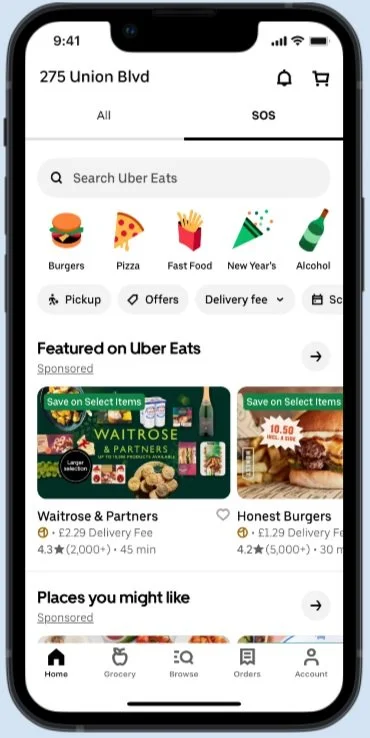
Find the button
First attempt was to show only the ends of the control.
dsigned to bring a minimal change to the home page. and meet the future design.
But gerilla testers simply couldn’t find it.
can you?
This led to exploring some options for a more prominent touchpoint with the new feature.
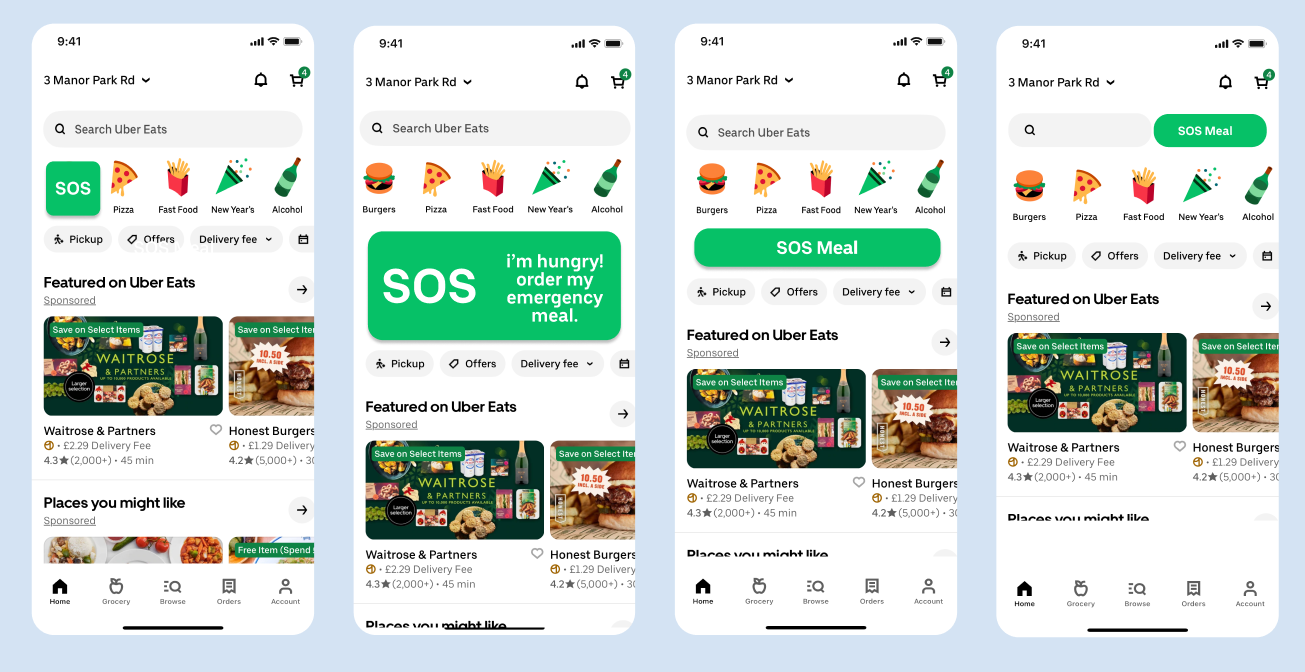

and to a study of Uber Eats design system and visual language to make
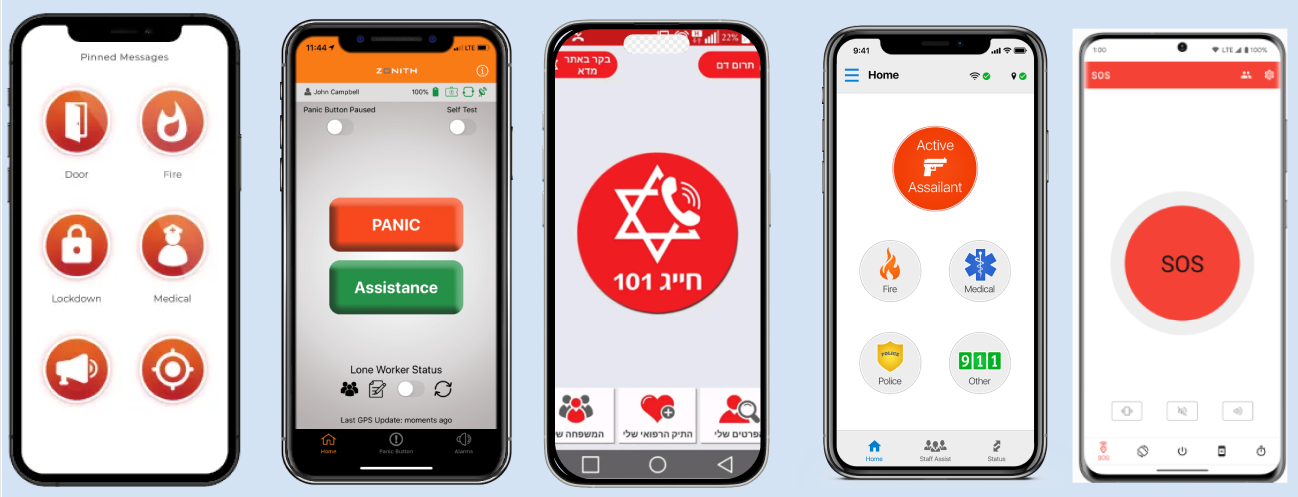
A friendly panic button
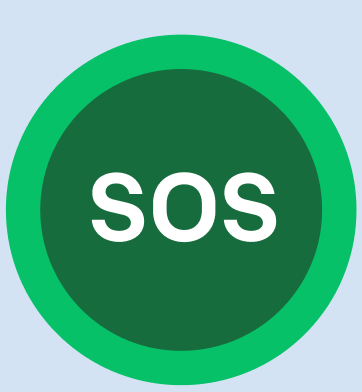
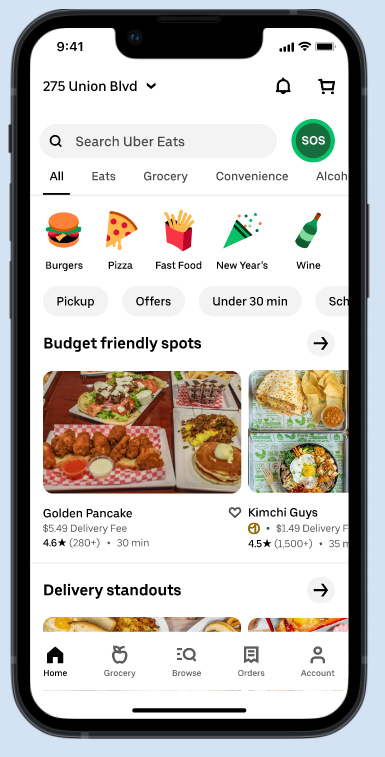
and place it at the top of the page- Its future place as part of the hunger meter, and near the search bar – to be easily found by the hungry searcher.
starting up - the on Boarding steps
On first entry you easily select your SOS order
from your favorites and previous orders.take care of the nitty gritty details of the order
in the moment of truth - 2 tap and it will be on its way.
You can have up to 3 SOS orders set to go and don't worry, we will warn you if traffic is heavy.